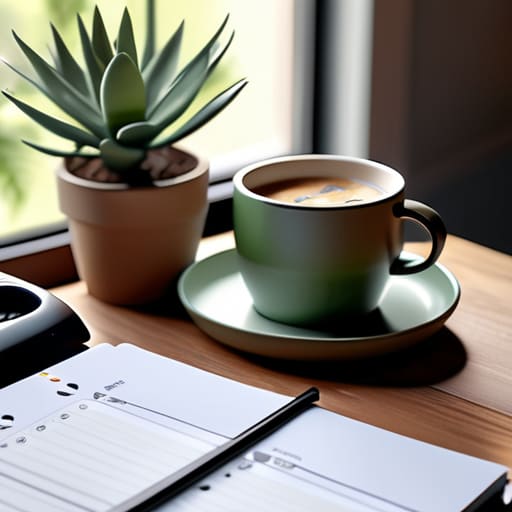
I spent most of my morning hunched over a mid-century teak sideboard, trying to sand out a stubborn water ring, and it hit me: most people approach their home offices with the same misguided obsession for perfection. You see these influencers posting about their $5,000 ergonomic command centers and “aesthetic” desk setups, but let’s be honest—that’s just noise. If you’re searching for tips for successful remote work setups, you don’t need a showroom; you need a functional ecosystem that doesn’t drain your mental battery by noon. Most of the advice out there is just expensive distractions masquerading as productivity.
I’m not here to sell you on a lifestyle or a specific brand of standing desk. My goal is to give you the pragmatic, battle-tested frameworks I’ve used to manage complex logistics for two decades. I’m going to share the actual, unvarnished tips for successful remote work setups that focus on reducing friction and reclaiming your focus. We are going to strip away the digital clutter and build a system that actually serves your life, rather than one that requires you to spend your entire weekend managing it.
Investing in Ergonomic Home Office Equipment That Matters
When you’re working from home, it’s easy to treat your dining chair or a makeshift desk as “good enough.” But after years of watching professionals burn out from physical strain, I can tell you: your body will eventually send you the bill. Investing in quality ergonomic home office equipment isn’t a luxury; it’s a fundamental requirement for long-term sustainability. I’m not talking about a $2,000 chair just for the sake of the brand, but rather finding a setup that supports your spine and keeps your wrists at a neutral angle.
Beyond the physical chair and desk, don’t overlook the sensory environment. I’ve seen how much optimizing home workspace for focus depends on things we often take for granted, like how much light hits your eyes or how much noise bleeds in from the kitchen. Good lighting and decent acoustics are the invisible pillars of a functional setup. When you control your environment, you reduce the micro-stressors that drain your energy by noon. Focus on the tools that protect your physical health and your concentration, and the rest will follow.
Essential Remote Work Technology to Simplify Your Day
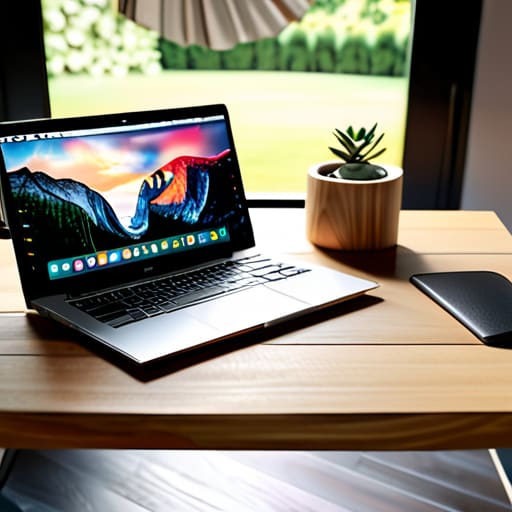
Once you’ve sorted out your physical comfort, it’s time to look at the digital tools that actually move the needle. I see so many professionals drowning in “productivity” software that actually creates more friction than it solves. When I’m auditing a client’s workflow, my advice is always the same: stop collecting tools and start building a stack that works in harmony. You don’t need a subscription for every minor task; you need essential remote work technology that automates the mundane so you can focus on deep work. A reliable, high-speed internet connection and a streamlined project management tool are non-negotiable, but anything beyond that should be vetted for how much cognitive load it actually adds to your day.
Beyond the hardware, don’t overlook how your environment affects your output. If you’re struggling to stay in the zone, look at your home office lighting and acoustics. A poorly lit room or a constant background hum isn’t just annoying—it’s a silent drain on your mental energy. Investing in a decent pair of noise-canceling headphones and ensuring your workspace has natural light can do more for your focus than any expensive software suite ever will.
Systems Over Software: 5 Ways to Reclaim Your Focus
- Stop the app-hopping cycle. You don’t need a specialized tool for every micro-task; you need one reliable calendar, one solid task manager, and one place for notes. Pick your stack and stick to it for at least a month before you even think about switching.
- Create a hard “shutdown” ritual. When I worked in logistics, we didn’t just walk away from a crisis; we closed the books. At home, you need a physical or digital signal—closing the laptop, clearing your desk, or even just a specific playlist—to tell your brain the workday is officially over.
- Protect your deep work blocks like they’re client meetings. If you treat your focus time as “optional,” everyone else will too. Block out non-negotiable chunks on your calendar and turn off all non-essential notifications during those windows.
- Establish a communication protocol with your team or family. Ambiguity is the enemy of efficiency. Define when you are “in the zone” and when you are available for quick questions so you aren’t constantly reacting to pings and interruptions.
- Audit your digital clutter weekly. A cluttered desktop is just as draining as a cluttered workshop. Spend fifteen minutes every Friday afternoon clearing out your downloads folder, archiving finished projects, and resetting your workspace for Monday morning.
Building a Setup That Serves You
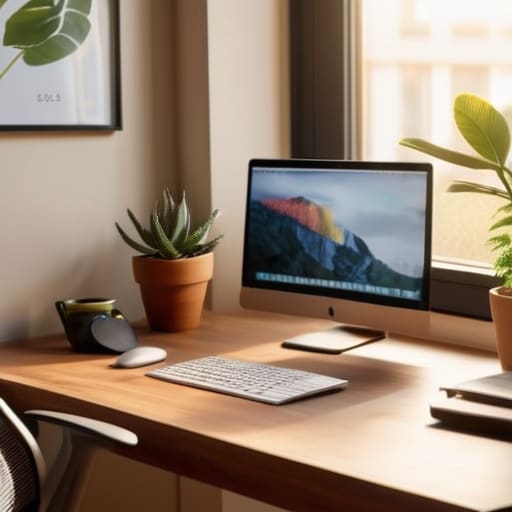
At the end of the day, a successful remote setup isn’t about having the most expensive gear or the most complex software stack. It’s about the intentional integration of ergonomics, reliable technology, and a workspace that respects your boundaries. We’ve talked about investing in a chair that won’t wreck your back and choosing tools that actually reduce your friction rather than adding to it. If you focus on these fundamentals—the physical support and the digital simplicity—you stop fighting your environment and start working with it. Remember, the goal is to create a system that works for you, not a collection of gadgets that require constant maintenance.
As you move forward, I want you to remember that your workspace should be a sanctuary for focus, not a source of digital clutter. Don’t feel pressured to overhaul everything overnight; start with one meaningful change and see how it shifts your mental load. Productivity isn’t a race to see how many tasks you can cram into a day, but rather how effectively you can protect your energy for the work that truly matters. Build your setup with intention, keep it functional, and most importantly, make sure it gives you the space to breathe.
Once you have your hardware and software dialed in, the next hurdle is managing the sheer volume of information that starts flying at you. I’ve found that without a central way to organize your thoughts and tasks, even the best ergonomic setup won’t save you from burnout. I personally rely on this platform to keep my mental clutter at bay and ensure I’m actually focusing on high-impact work rather than just reacting to notifications. It’s about building a reliable digital backbone so you can close your laptop at 5:00 PM without that nagging feeling that you missed something important.
